Running a website is not enough to grow a business online. People also need to find your website.
This is where SEO can help. SEO for Beginners
SEO stands for Search Engine Optimization. It is a way to improve a website so that search engines can understand its pages more easily. It also helps people find useful information when they search online.
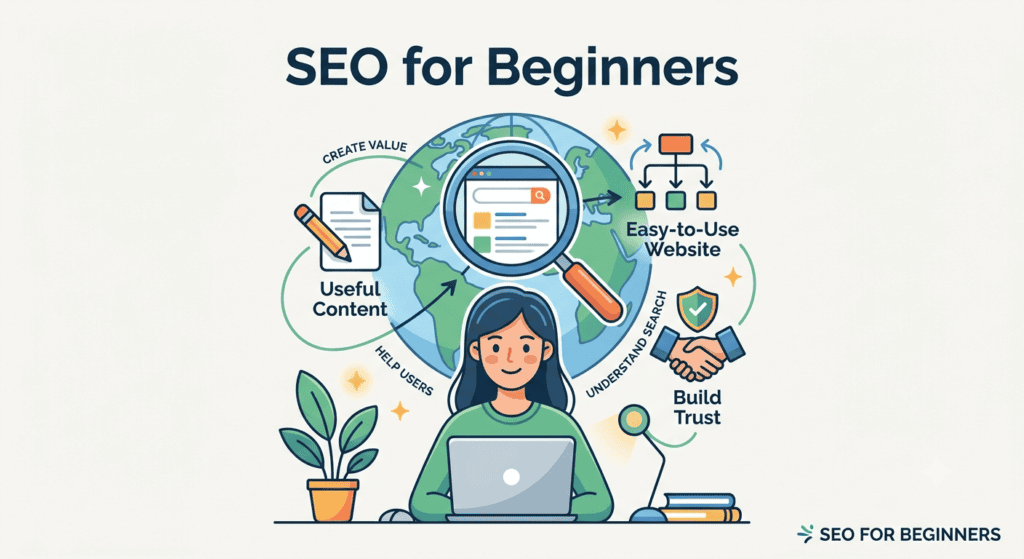
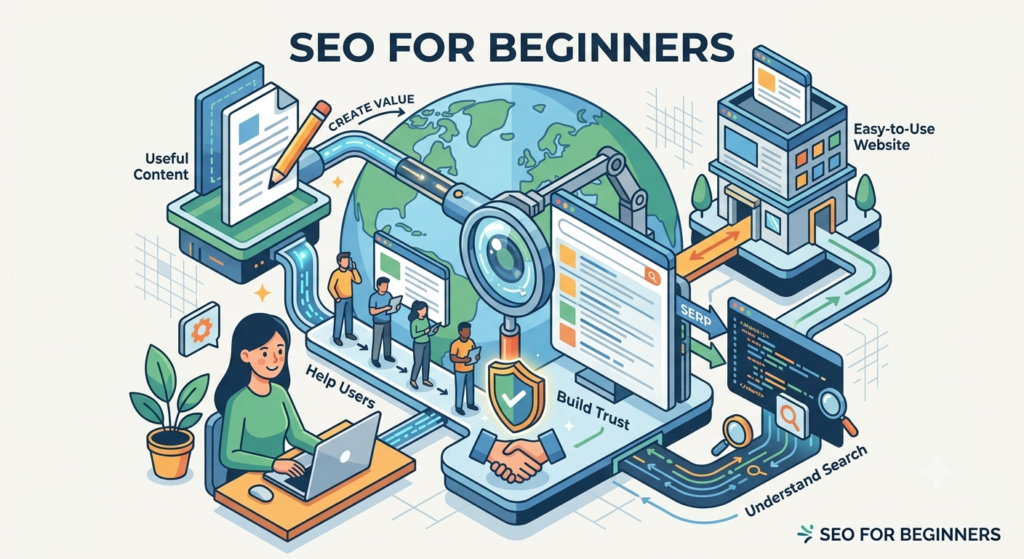
You do not need to be a technical expert to understand SEO. The basic idea is simple. Create useful content, make your website easy to use, and help search engines understand what your pages are about.
In this guide, we will explain SEO in simple words and show how beginners can start using it. SEO for Beginners
What Is SEO? SEO for Beginners
SEO for Beginners
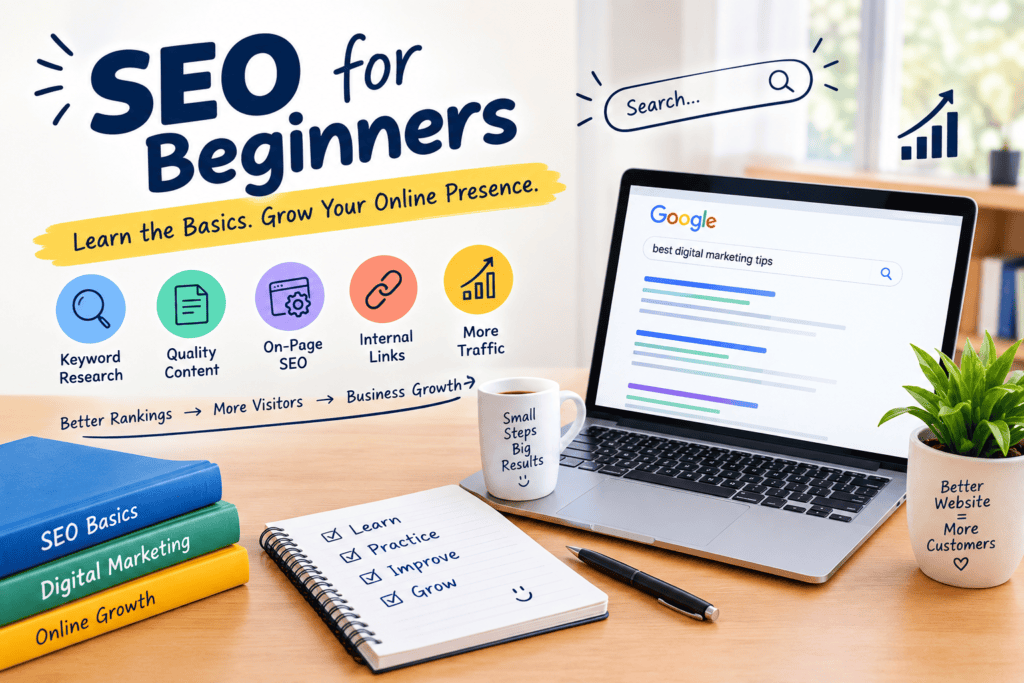
SEO is the process of improving your website so it can be discovered through search engines.
Think about a person who owns a bakery.
They have a website, but very few people visit it. A person in the same city searches for:
“best birthday cake near me”
If the bakery website has useful information about birthday cakes, clear page titles, helpful content, and good website structure, search engines may be able to understand the website better.
SEO does not mean forcing a website to the top of Google.
It means making the website useful and easy to understand for both visitors and search engines.
Google says that SEO can help search engines crawl, understand, and find useful content on websites.
Why Is SEO Important for a Website?
Imagine opening a shop on a quiet street.
You may have great products. You may offer good prices. But if nobody knows your shop exists, getting customers can be difficult.
A website can face the same problem.
SEO can help your website become easier to discover through search.
Here are some reasons businesses use SEO for Beginners
1. It Can Bring Organic Traffic
SEO for Beginners
Organic traffic means visitors who reach your website through unpaid search results.
For example, someone searches for:
“how to choose running shoes”
Your article appears in the search results.
The person clicks it and visits your website.
That is organic traffic.
2. It Can Help People Find Your Business
A person may already need a product or service.
They just need to find the right business.
Good SEO can help your website appear when people search for topics related to what you offer.
3. It Helps Build Online Visibility
A website with useful pages can appear for different searches related to its topic.
Over time, this can give your business more opportunities to be discovered.
4. It Improves the User Experience
SEO is not only about search engines.
A well-organized website is also easier for people to read and use.
Clear headings, useful links, simple navigation, and readable content can make a website easier to explore.
How Does Search Work?
Search engines use automated systems to discover pages on the web.
Google uses automated crawlers to explore websites and discover new or updated pages. The information found can then be processed and stored in Google’s index.
When someone searches for something, Google’s systems work to provide relevant results.
This is why website owners should make their pages clear.
If a page is confusing, difficult to access, or gives little useful information, it may not serve the visitor well.
Start With the Right Topic
One of the first steps in SEO is choosing a useful topic.
Do not write an article only because a keyword has many searches.
Think about your audience first. SEO for Beginners
Ask:
- What does my audience want to know?
- What problem are they trying to solve?
- What questions do they ask?
- What information can my website provide?
For example, a digital marketing agency could create content about:
- How SEO works
- Social media marketing tips
- Online advertising
- Email marketing
- Website marketing
- Local business marketing
The topic should match the website and its audience.
Google recommends creating content primarily for people rather than producing pages only to attract search traffic.
Use Keywords Naturally
Keywords are words or phrases people may type into a search engine.
SEO for Beginners
For example:
“digital marketing for small business”
could be a keyword related to a marketing website.
You can use relevant terms in places such as:
- Page title
- Main heading
- Subheadings
- Body content
- Image descriptions
- Link text
However, do not repeat the same keyword again and again.
Write naturally.
Google’s Search Essentials recommends using words that people would use to search for your content and placing them in useful areas of the page.
Write Content That Actually Helps
This is one of the most important parts of SEO.
SEO for Beginners
Suppose someone searches:
“How to start SEO for a small business?”
They do not want a page filled with repeated keywords.
They want an answer.
Your article should give them practical information.
You can include:
- Simple explanations
- Examples
- Steps
- Tips
- Common mistakes
- Useful tools
- Real business situations
Try to answer the reader’s main question early.
Then add more information as the article continues.
Google’s current guidance says useful content should provide original value instead of simply copying or rewriting information from other websites.
Create Strong Page Titles
The title is one of the first things people see in search results.
It should clearly tell readers what the page is about.
For example:
Weak title:
“Marketing Tips”
More useful title:
“7 Simple Digital Marketing Tips for Small Businesses”
The second title gives the reader a clearer idea of what they will find.
Keep your title natural.
Do not fill it with unnecessary keywords.
A clear structure helps readers find the section they need.
Google’s SEO guidance also recommends well-organized content with headings and readable sections.
Improve Your Website Pages
SEO is not only about writing blogs.
Your main website pages also matter.
Check your:
- Home page
- About page
- Service pages
- Contact page
- Product pages
- Blog posts
Each page should have a clear purpose.
For example, a digital marketing agency’s SEO service page should explain what the service includes, who it is for, and how people can contact the agency.
Avoid making pages only to target search terms.
Give each page a reason to exist.
Add Internal Links
Internal links connect one page of your website to another page on the same website.
For example, an article about SEO can link to your:
SEO Services page.
An article about social media can link to your:
Social Media Marketing page.
This can help visitors discover related information.
It can also help search engines discover other pages on your website. Google recommends making links crawlable so its systems can find other pages on your site.
Make Images Useful
Images can make an article easier to understand.
For example, a blog about SEO could use an image showing:
Website → Search Engine → User
Use clear and relevant images.
Also give images useful alternative text when appropriate. This can help explain the image when it cannot be seen and can provide additional context.
Google also recommends using high-quality images near relevant text.
Do Not Ignore Mobile Users
Many people visit websites from smartphones.
Your website should work well on smaller screens.
Check whether:
- Text is easy to read
- Buttons are easy to tap
- Images fit the screen
- Menus work properly
- Pages are easy to scroll
A website should provide a good overall experience across devices.
Build Trust With Your Content
People are more likely to trust a website when they understand who created its content.
For a business website, you can add:
- Author information
- About Us page
- Contact details
- Business information
- Clear service information
- Useful references where needed
Google’s guidance encourages clear information about who created content and emphasizes trust as an important part of its E-E-A-T framework.
Use Google Search Console
Google Search Console is a useful tool for website owners.
It can help you understand how your website performs in Google Search.
You can use it to check things such as:
- Search traffic
- Search queries
- Indexed pages
- Website issues
- Search performance
Google describes Search Console as a tool that helps website owners understand their performance in Google Search.
You do not need to check it every hour.
A regular review is enough to understand what is happening and where you can improve.
SEO Takes Time
SEO is not an overnight marketing method.
You may make changes today and not see an immediate difference.
Google says some changes can take hours, while others may take several months to show an effect in search results. It recommends waiting some time before judging whether a change helped.
This means SEO needs patience.
Keep creating useful content.
Improve old pages.
Fix website problems.
Watch your results.
Then make changes based on what you learn.
Common SEO Mistakes Beginners Should Avoid
Beginners often make a few simple mistakes.
Using Keywords Too Much
Repeating a keyword many times can make content sound unnatural.
Write for humans first.
Copying Other Websites
Copying content does not create real value.
Instead, explain the topic in your own way and add useful examples.
Writing Only for Search Engines
A page should solve a reader’s problem.
Do not create an article only because you want to rank for a keyword.
Ignoring Old Content
Some information becomes outdated.
Review older articles and update them when needed.
Expecting Quick Results
SEO usually requires ongoing work.
Do not stop after making a few changes.
A Simple SEO Plan for Beginners
If you are completely new to SEO, start small.
Step 1: Understand Your Audience
Know who you want to reach.
Step 2: Choose Useful Topics
Find questions and problems related to your business.
Step 3: Create Original Content
Write helpful articles that answer those questions.
Step 4: Improve Your Pages
Use clear titles, headings, links, images, and readable text.
Step 5: Connect Your Pages
Add relevant internal links.
Step 6: Check Your Website
Make sure your pages work properly on phones and computers.
Step 7: Track Your Progress
Use tools such as Google Search Console to understand your search performance.
Step 8: Keep Improving
SEO is an ongoing process.
Review your results and improve your website over time.
Final Thoughts
SEO does not need to be confusing.
At its core, it is about helping people find useful information through search.
Start with your audience.
Choose useful topics.
Create original content.
Make your website easy to use.
Use relevant keywords naturally.
Connect related pages.
Check your results.
Most importantly, focus on giving visitors a good reason to stay on your website.
Google’s current guidance continues to emphasize useful, original, people-first content rather than content created mainly to manipulate search rankings.
SEO is not a one-time task. It is a process of learning, testing, improving, and creating better content for the people you want to reach.
For more click here – https://smartmarketingmind.com/
